Is LinkedIn Even Worth It? An Honest Reality-Check (2026)
LinkedIn is two products in one: a searchable resume recruiters actually use, and a feed you can skip. Here is the honest, low-effort version worth having.
LinkedIn is two products in one: a searchable resume recruiters actually use, and a feed you can skip. Here is the honest, low-effort version worth having.
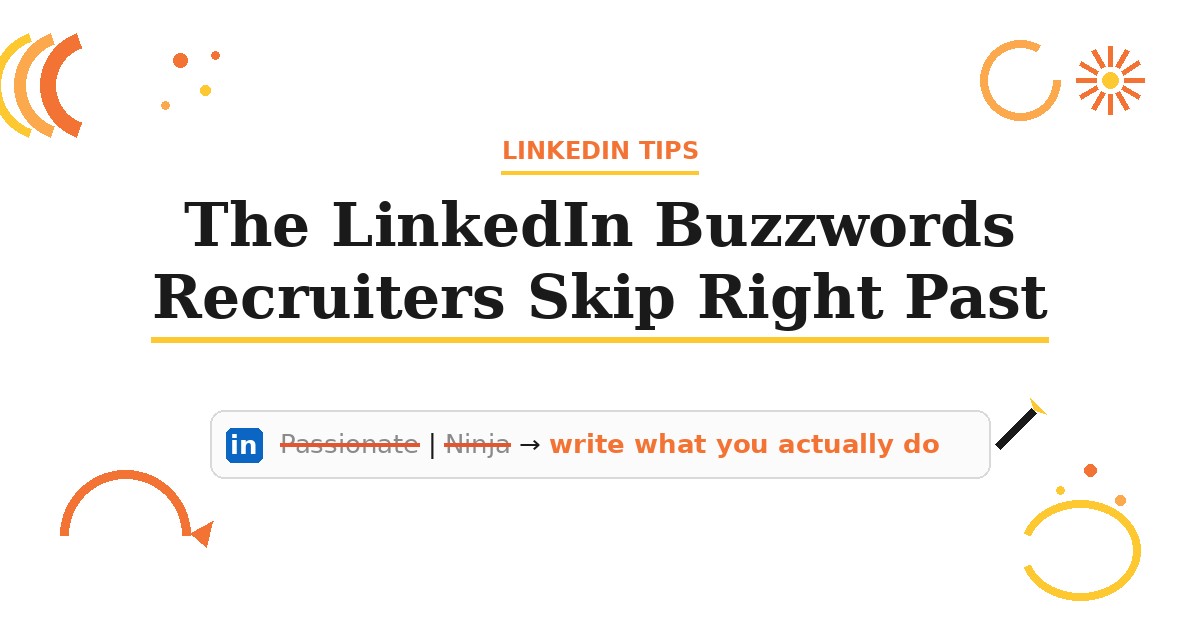
Passionate, results-driven, Growth Ninja: the LinkedIn buzzwords recruiters skim past, why they fail search, and the concrete words to write instead.
You are not being rejected, you are invisible. Recruiters search LinkedIn by title, keywords, skills, and location. Here is how to surface in their search.
LinkedIn private mode only hides your name when you view others, and on a free account you lose your own "who viewed me" list. Here's what it actually hides.
"Over 100 applicants" on LinkedIn counts apply clicks, not real applications, and it's capped. Here's why applying is usually still worth it, and what gets you seen.
Your LinkedIn photo is the first thing a recruiter sees. Here's the headshot that lifts replies, the mistakes that quietly cost you, and when to remove it.
AI-written LinkedIn profiles and posts now read as slop, and recruiters clock it fast. The tells, why it costs credibility, and how to de-slop your profile.
A viral "I worked at LinkedIn 3 years" post spread 4 myths. A current LinkedIn employee corrected them. Here's what's real about Premium, Easy Apply, and getting found.
Deleting your LinkedIn won't undo AI training that already happened. Here's the real opt-out toggle, what the Nov 3 deadline meant, and why to keep your profile.
No, recruiters can't see work history you deleted from LinkedIn. The real leak is old resumes you uploaded. Here's how to find and remove them in 5 minutes.
The #OpenToWork badge isn't one setting, it's two. The public green frame vs "recruiters only" decides whether it helps or hurts. Here's what recruiters do with it.

Learn how to customize your LinkedIn URL and make your profile more discoverable. This guide covers finding your URL, creating a clean custom link, adding it to resumes, and optimizing your profile with strong headlines, summaries, skills, and recruiter-friendly settings.